Problem:
After upgrading to macOS Catalina, some mac users found that some apps can’t be opened because Apple cannot check it for malicious software. A dialog box pops up, click "OK" button and the application will close.
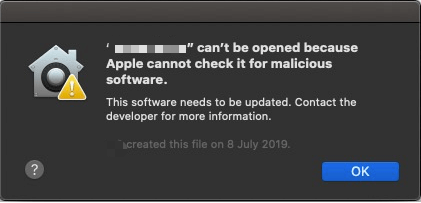
Solution: Make sure you have dragged the installer package to /Applications to complete the installation. Our users have found that dragging the package into the Applications folder works best. This package appears after the installer .dmg file is opened.
Problem:
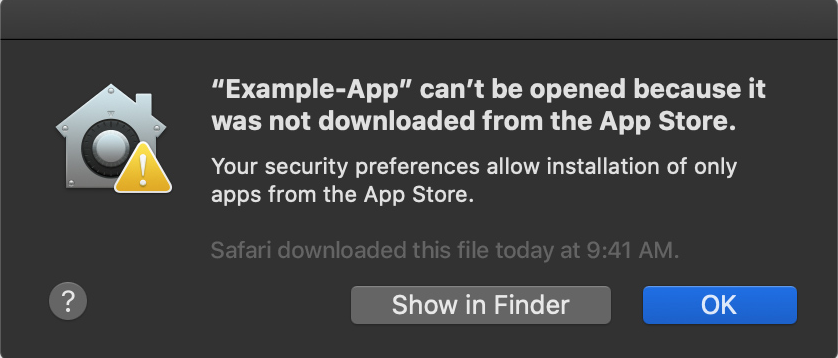
If you try to open the installer you downloaded, and you are blocked by the Mac System. You may need to disable the gatekeeper within your system preferences. You may see a prompt like this:
Solution:
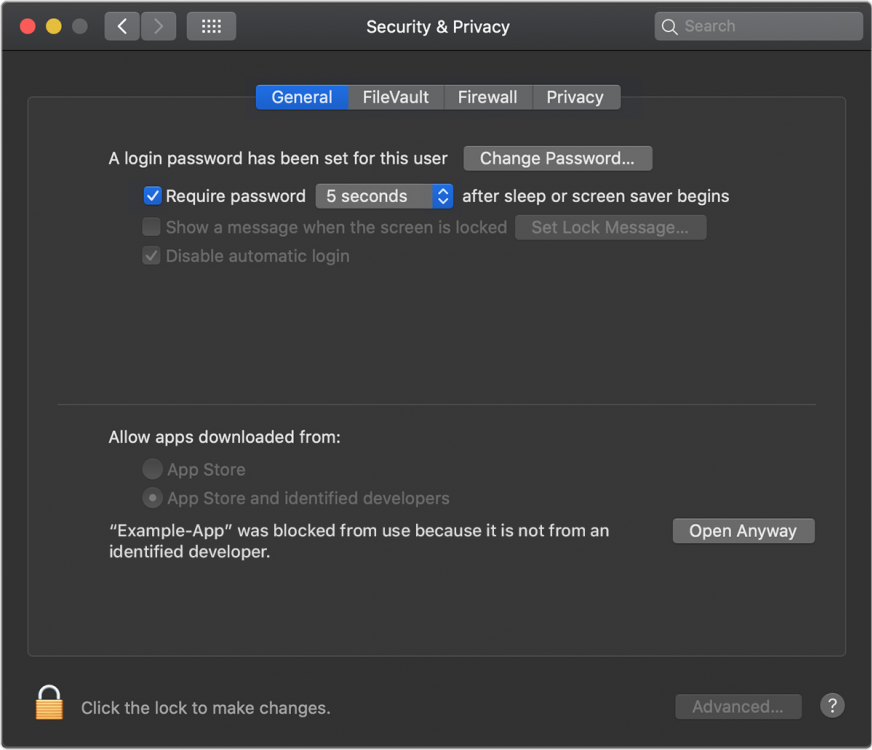
1. Go to “System Preferences” then “Security & Privacy”. Under the General tab, you will see a message at the bottom, “Application "Line 6 Updater" was blocked from opening because it is not from an identified developer.”
2. Click on “Open anyway” and the application will be opened.