
NOTE: HD model packs are not compatible with POD Farm 2.5. Only standard model packs can be used with a Line 6 device and/or a computer authorized with POD Farm 2.5 or better.
This is a step by step guide on using the Line 6 License Manager to install Model Packs on the POD HD500X and HD Pro X. If you have Line 6 Monkey installed, then you have Line 6 License Manager. There are a few things to check before we get started:
Make sure you have the latest version of Line 6 Monkey installed. If you don't you can find it here:
Line 6 License Manager comes in the Line 6 Monkey installer.
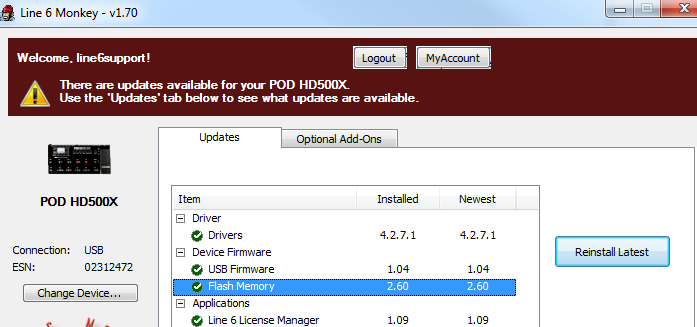
Before you Begin: Connect your POD via USB, open Line 6 Monkey and make sure the latest drivers are installed.
Next, the Flash Memory version on your POD must be version 2.60 or higher: And the firmware must be updated to version 1.04 or higher.
Step by Step in Line 6 License Manager:
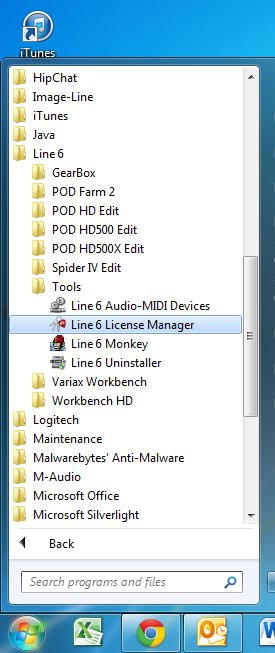
After your POD is updated it's time to run the License Manager. You can access it in the Start Menu on Windows or in C:\Program Files(x86)\Line6\Tools on a Mac it's in the Applications\Line 6 Folder in Finder.
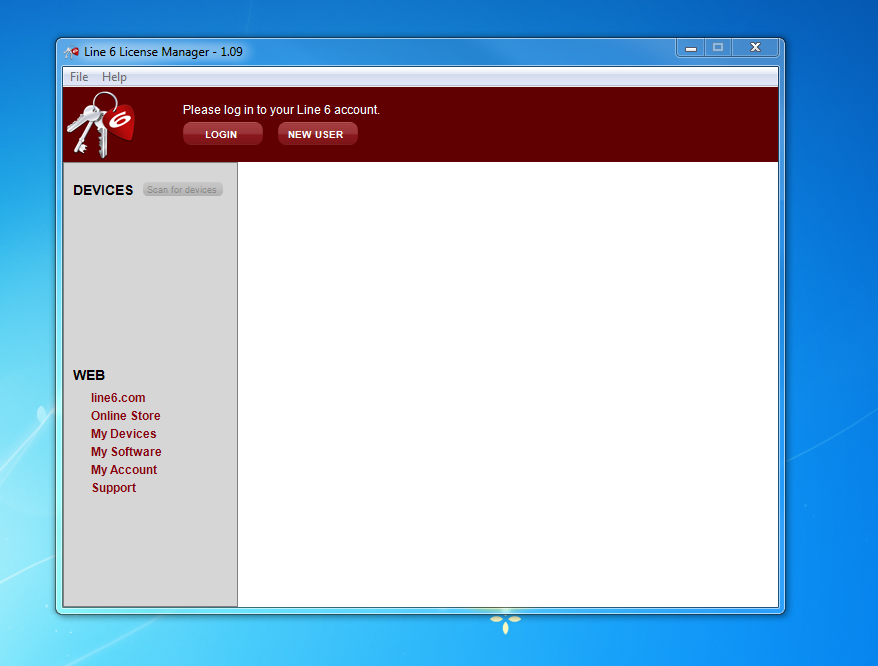
When License Manager opens it looks like this:
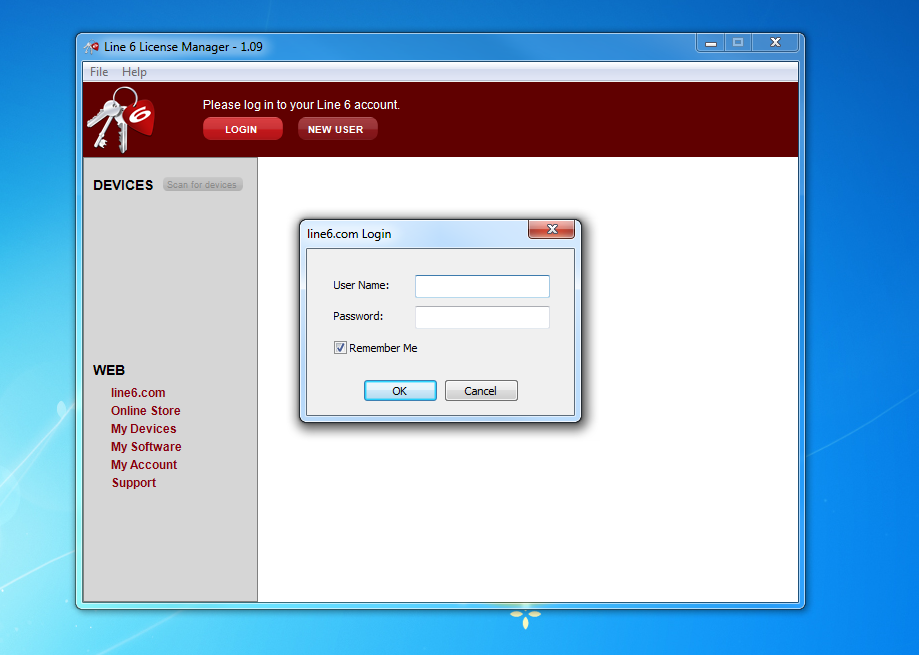
Click the Login Button and type your username and password for Line6.com:
Once you are logged in, you will see your computer and the POD:
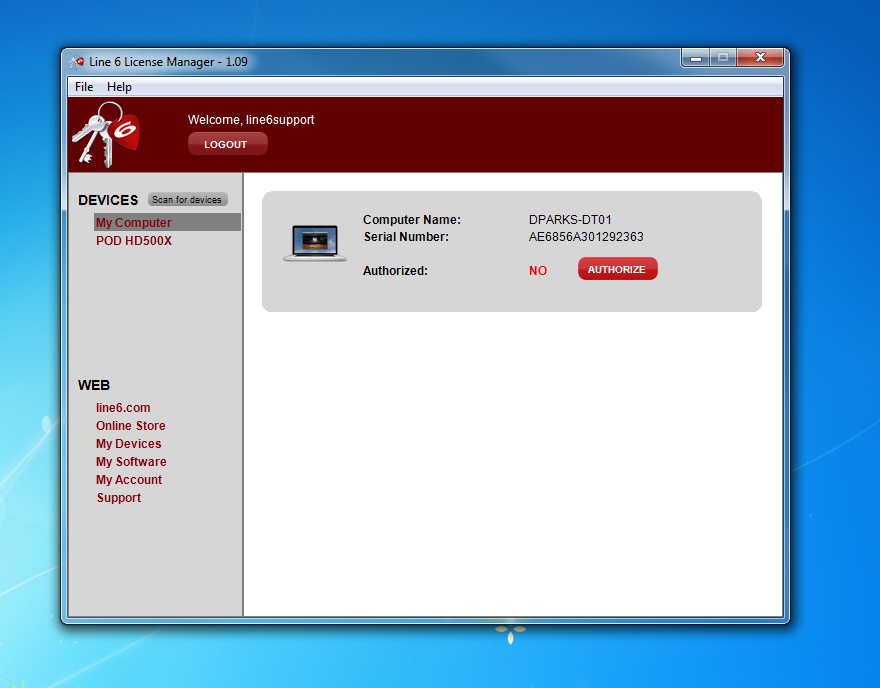
Authorize your computer first:
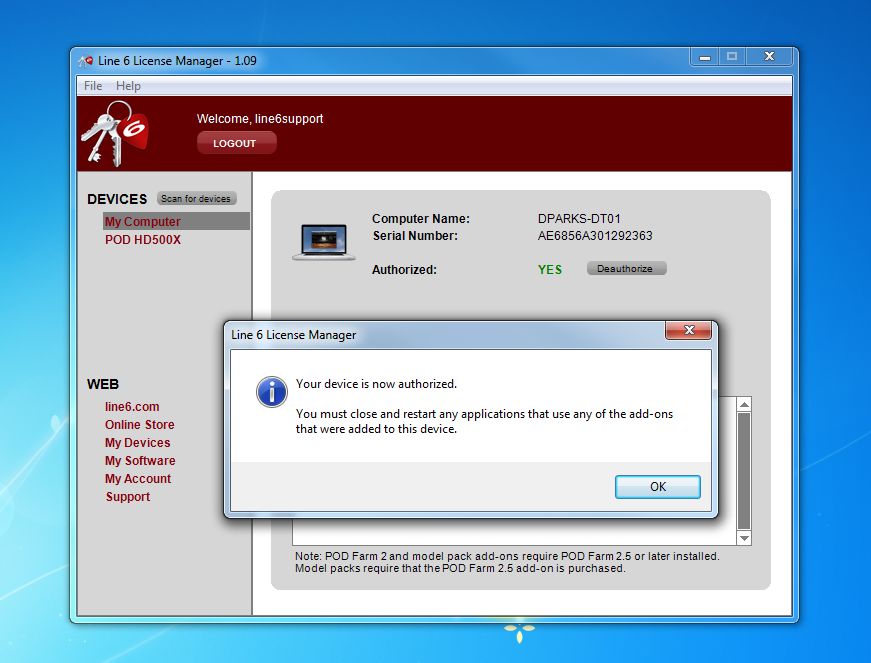
Then highlight the POD:
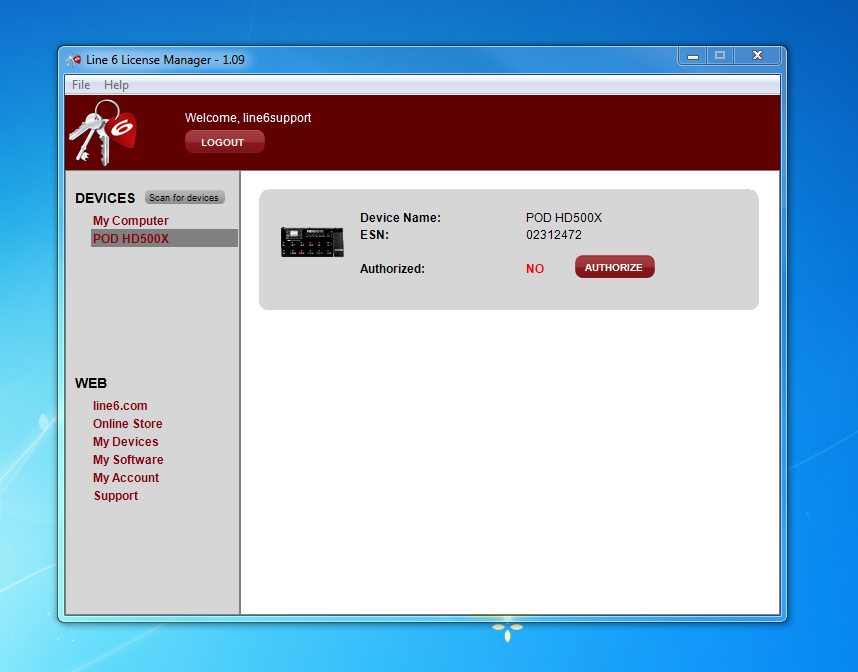
And authorize again:
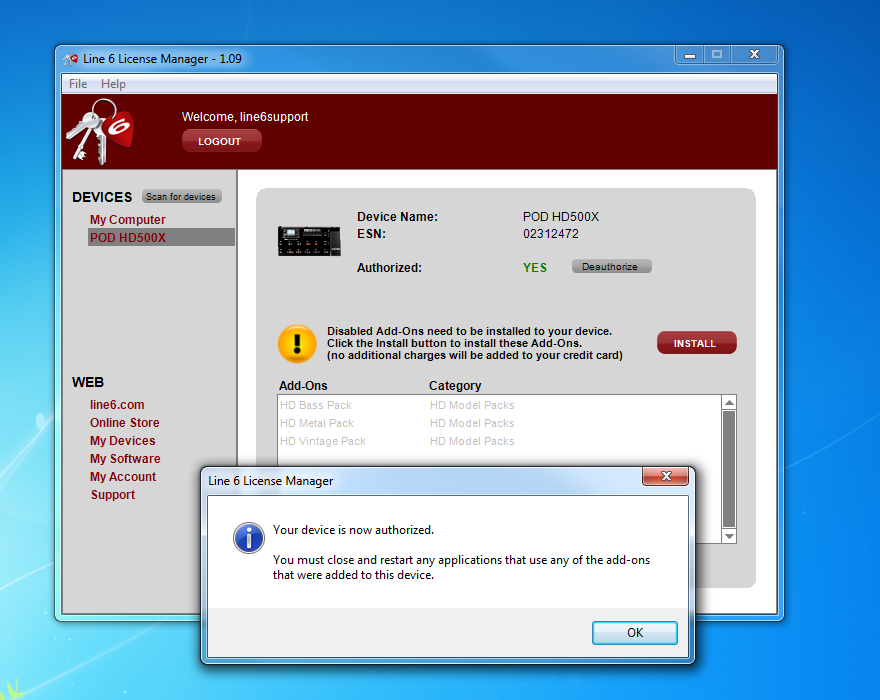
Next, the POD will indicate that there are add-ons that need to be installed:
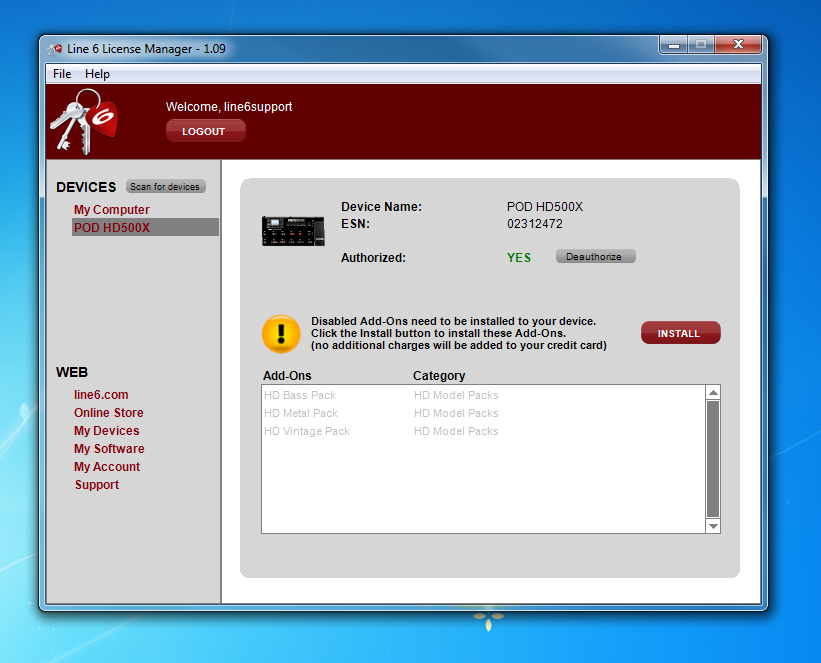
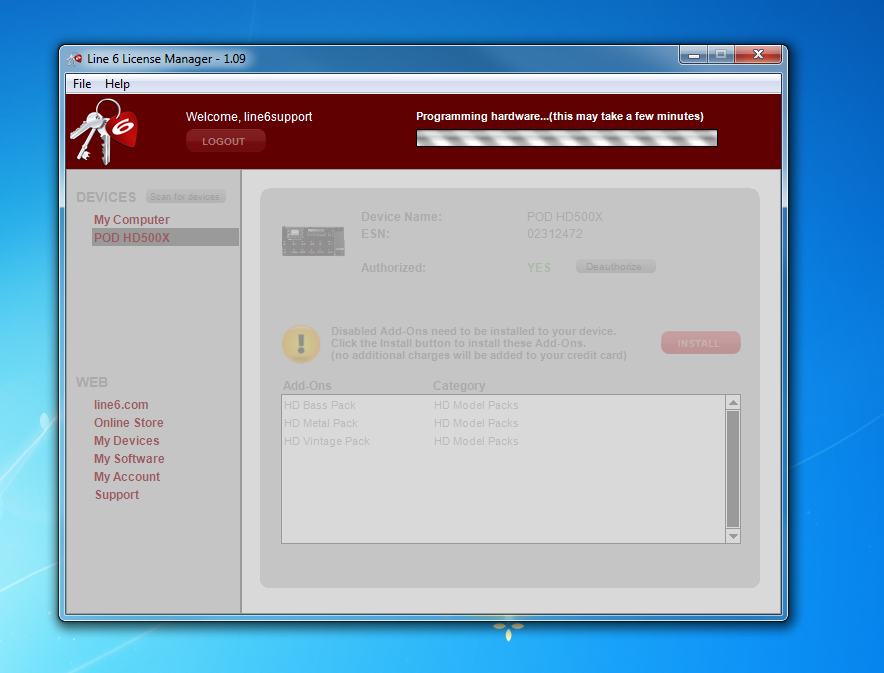
Click the install button to program your model packs on the POD:
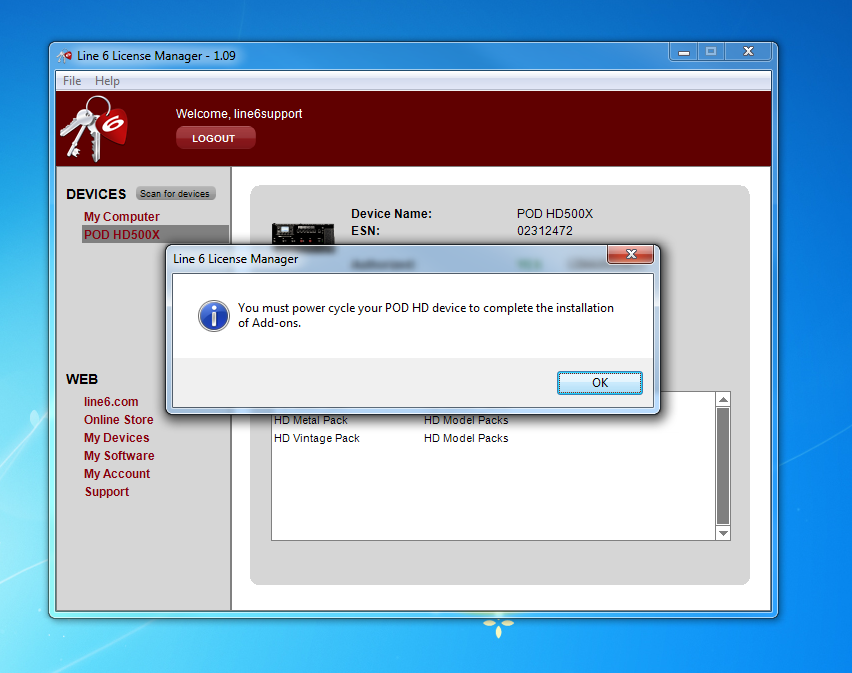
The POD will tell you to Power Cycle. Unplug the power for 5 seconds and plug it back in.
Now you can Check the hardware for your new amp models buy putting your cursor over the amp icon in a patch and using the first knob under the LCD screen to search:
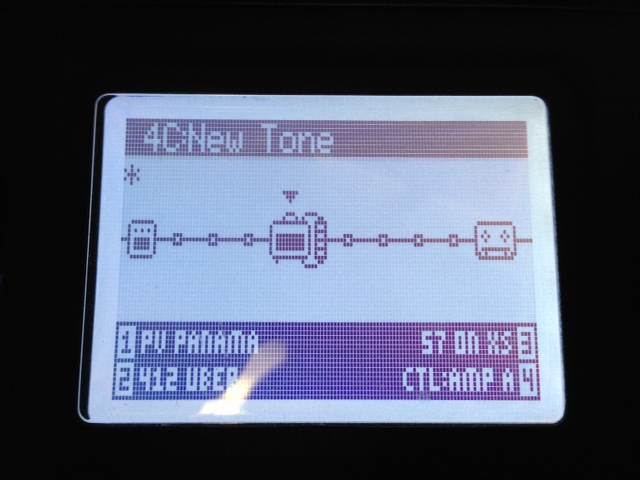
Enjoy your new amp models!
About Amp Models:
Here is a Full list of Amp models in the Fully Loaded Bundle:
https://store.line6.com/software/hd-model-packs/hd-fully-loaded-bundle.html
You can learn more about individual model packs here:
https://store.line6.com/software/hd-model-packs.html
Keep in Mind that the new amp models will "allude" to the amp they are modeling like all of our Line 6 models.
Example: VOXî AC30 (Fawn Bright Ch.) = A30 FAWN BRT on the hardware.
NOTE: HD model packs are not compatible with POD Farm 2.5. Only standard model packs can be used with a Line 6 device and/or a computer authorized with POD Farm 2.5 or better.